How to monetize your bot? To begin with, make basic settings for accepting payments. There are two main steps:
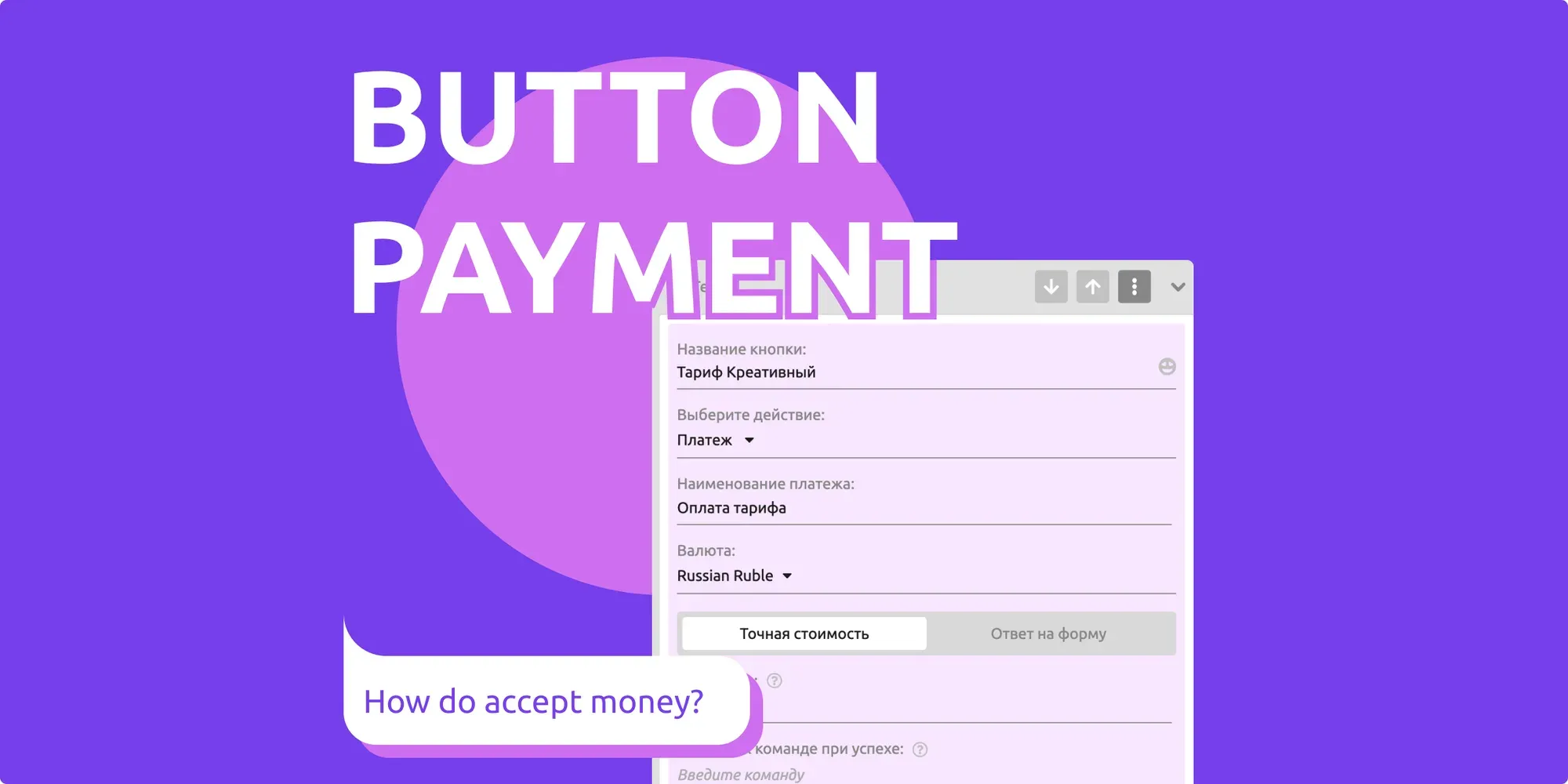
1️⃣ Create a button for accepting payments
2️⃣ Connect a payment system
The button is created in a separate block using the inline keyboard and the "Payment" action.
More on this here.
The following payment systems are available in our constructor:
— YuKassa (Yandex.Kassa) (RUB)
— Sberbank (RUB, EUR, USD)
— Tranzzo (Interkassa) (RUB, EUR, USD, CHF, CZK, GBP, GEL, KZT, NOK, PLN, SEK, UAH)
— Stripe (RUB, EUR, USD, CHF, CZK, GBP, GEL, KZT, NOK, PLN, SEK, UAH)
— Paycom.Uz / Payme (UZS)
— CLICK Uzbekistan (UZS)
— Rave by Flutterwave
— LiqPay
If you are not registered as a legal entity, YuMani or Qiwi (rubles) will suit you. In both cases, payment will go directly to the wallet. In our constructor, you can accept both fixed payments (neither more nor less than a specified amount), and free (suitable in the case of donations, donations, and so on). Information about payments will be displayed in the "Statistics" tab.