Chatbot marketing seems to have established a strong presence in the business world — it’s almost common courtesy to have a chatbot for customer support and promotion. And it should not come as a surprise if keeping in mind all the time-saving, engagement-boosting, and revenue-generating benefits. Here’s a catch, though: it needs to go smooth from the first customer touchpoint.
What is a chatbot welcome message, and why should you care?
A chatbot welcome message is the first touchpoint of your communication with new chatbot subscribers who can become your fresh leads. It’s not just a simple “hello,” at least not just that. A welcome message for customers is also a kickstart of the flow and a decisive factor that seals the deal: will your subscriber stay or leave. Consequently, your chatbot conversation starter can either wind up as your lead generation catalyst or a roadblock to it.
But how come two lines of text bring so many benefits? Marketers prove that you can do that with even fewer words if they knuckle down to make a powerful first impression. The first few seconds during which someone reads your chatbot welcome message decide whether they will keep progressing down the sales funnel or just bail.
Tips on creating a chatbot welcome message:
Shorten, minimize, omit
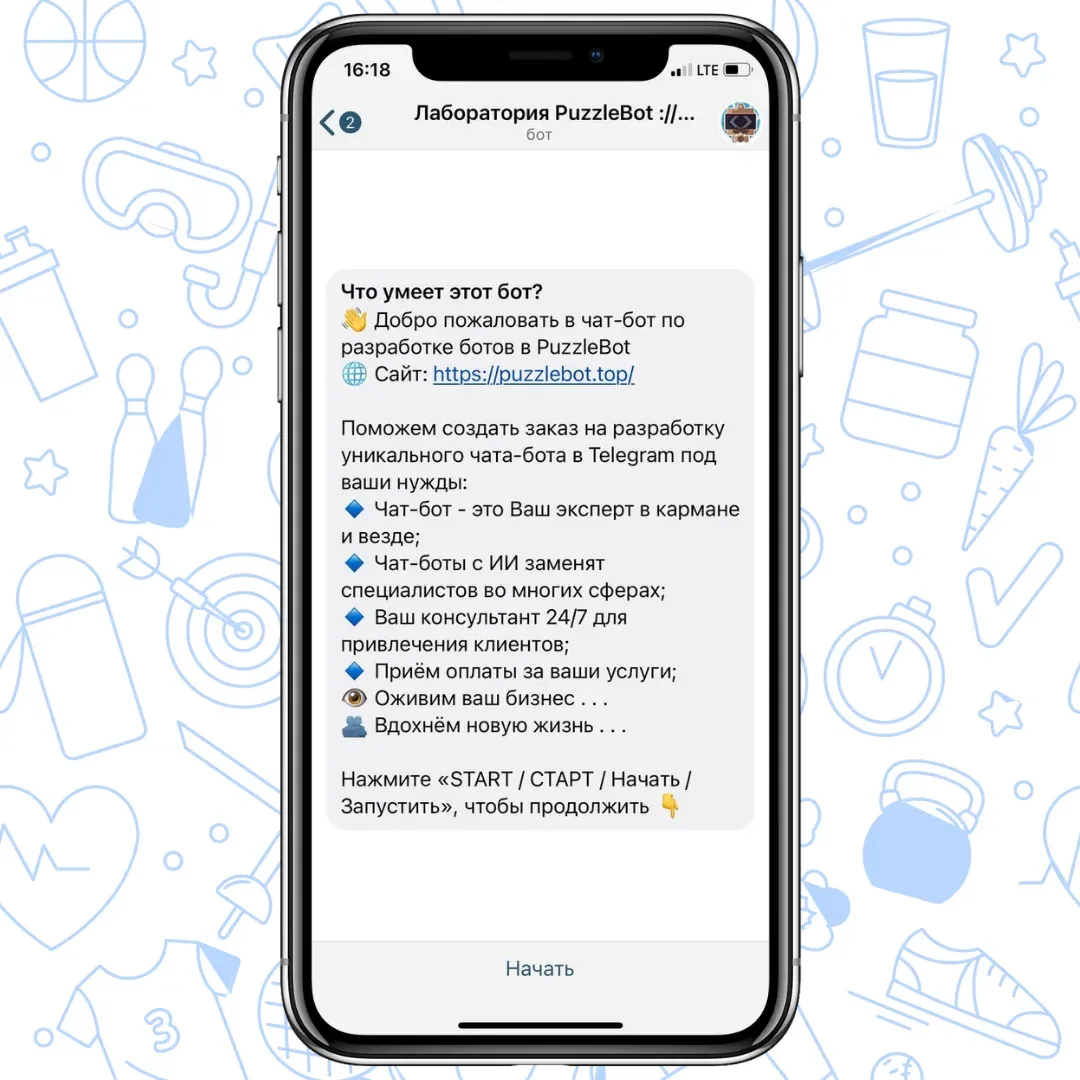
Greet your new user, state your chatbot’s purpose, and incentivize them to take action — these are the primary goals you should center your chatbot welcome message around. Your conversation starter should not be longer than three simple sentences, meaning that excluding unnecessary details and keeping your message clear is the way to go here.
Don’t overcomplicate your messaging
People who turn to your chatbot for help usually don’t have time to decipher your ambiguous or intricate welcome message for customers. They expect a prompt and clear-cut response to get their inquiry resolved and move on. Incorporate simple language, proofread for grammar and spelling mistakes, split your text into separate messages if necessary, and keep it concise.
Give your chatbot a persona
Although users should be aware they’re interacting with a chatbot, humanizing it can help smooth out the conversation and speed up the message flow. Infuse your chatbot welcome message with your unique brand personality and don’t forget to maintain a consistent tone of voice.
Include a clear and goal-oriented CTA
Once again, users don’t have that much time to explore your chatbot capabilities, so don’t test the waters waiting for them to perform your desired action. Pinpoint a clear-cut call to action so that people don’t get frustrated when getting your chatbot welcome message.
Add customers’ most common questions
Sometimes your customers are not in the mood to share pleasantries, and you need to respect that. You can still include the “tell us your name” message and the like to extend your welcome atmosphere, but you can save both customers’ and your customer support reps’ time by providing an FAQ section.
Incorporate emoji where it makes sense
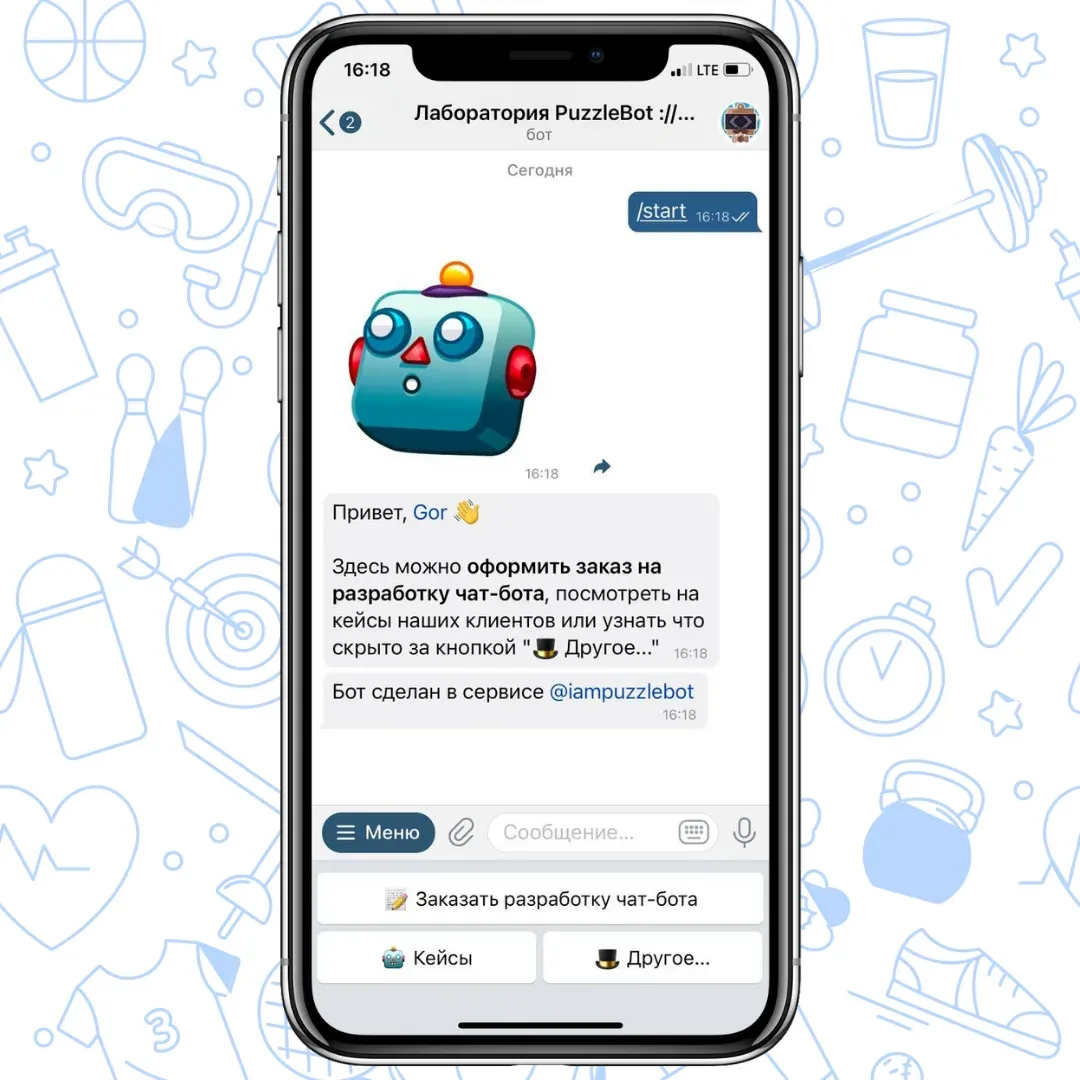
One of the proven ways to humanize your chatbot and engage new users is to add emoji. They can help space out your text and make it sound more amicable and excitable. However, this is where you always have to keep your tone of voice in mind. For example, this chatbot’s tone of voice does not sound too formal or solemn, which is why emoji fit in its welcome message for customers perfectly:
Help users understand what to expect
Use your welcome message for customers to make it clear what your chatbot can and cannot assist them in. Don’t go into too much detail — users will not want to read long-winded descriptions of your chatbot functionality for the same reason you don’t like to read terms and conditions.
Don’t bombard subscribers with messages
Coming in too strong can throw a curveball at your chatbot marketing. If a user replies to your chatbot welcome message, it does not mean you should just spam them with all the offers you have prepared.