Chatbots play a unique role in many areas of business, and their use will only grow and evolve over time. As chatbots gain more acceptance and expand their functionality, they are quickly approaching the ease of use that we expect when communicating with humans. The best part is that there are some things you can do to bridge the gap between a chatbot and a human.
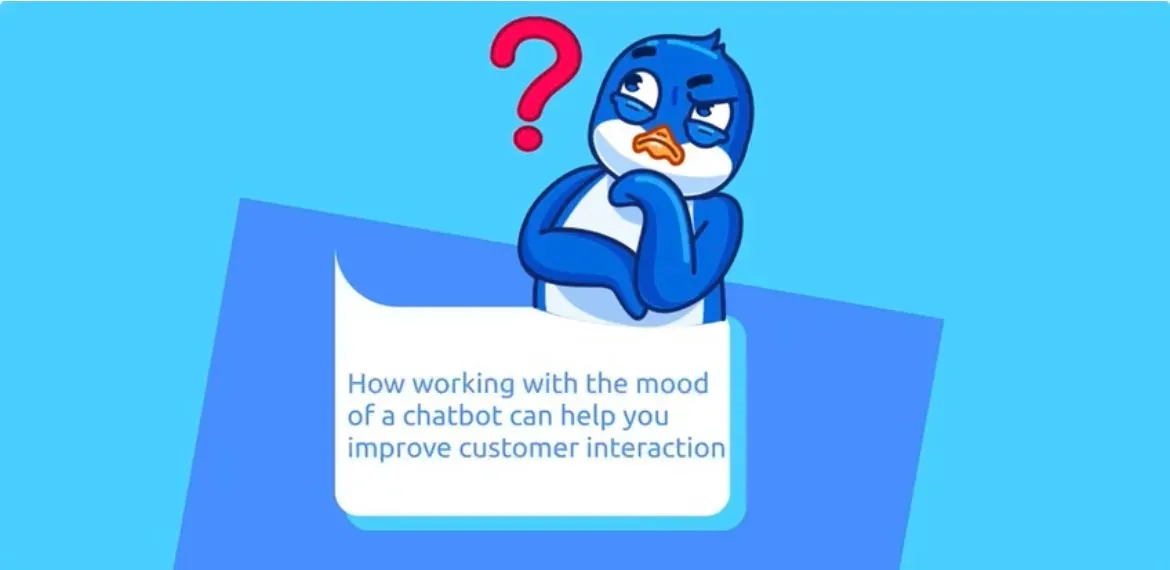
Giving your chatbot personality through personalization, creative imagery, and natural language can all help make the user experience as "alive" as possible. We'll take a look at some of the benefits of personalization and give you ideas you can build on to make your chatbot character another reason to interact with your brand.
Why would you want to create a chatbot character?
To simulate human interaction.
When you talk to a person face-to-face or even on the phone, there is a lot of communication going on unrelated to the words you are saying. Tone, body language, pauses, and other nonverbal cues help us understand what the person is saying. While your bot won't be able to wag its finger when it gets angry using images and creative speech patterns, you can bring some realism to your bot to give it a more human appearance.
Sharing Potential.
Let's face it, there are plenty of boring bots out there. Having a fun bot makes it more likely that your users will share it with others. Remember when smartphones started getting assistants, everyone wanted to play with them and share answers with their friends, your bot has the same potential. More users, more leads, and you know the rest.
Customer Orientation.
If using your chatbot is not only helpful, but also enjoyable, you're on your way to improving your brand image and building supporters. This ties into the information sharing potential clause, and if your chatbot is both fun and informative, people will use it. As more and more of your audience uses the chatbot, you'll save time and labor in communicating with customers.
How do I come up with a chatbot character?
Before you start creating a chatbot character, it's important to remember that it should be consistent with your brand's other communication channels. It's a good idea to imagine an image of your company's fictional customer service representative and start creating your bot in his image. Let's imagine that we're creating a person, albeit a digital one, that you're going to hire.
To get inspired, let's take a look at the chatbot we already talked about on our blog: @sbs_tidying_bot :
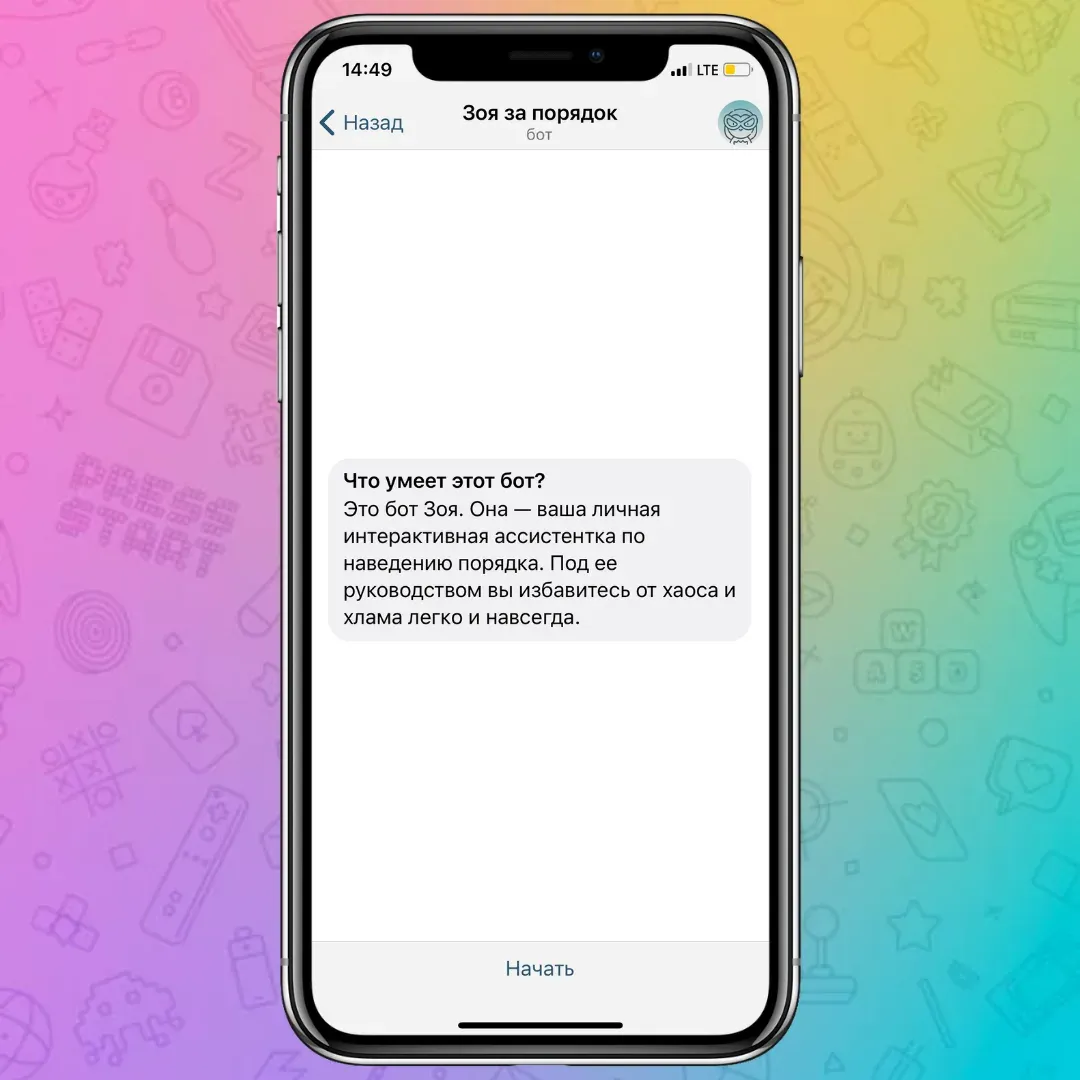
This bot does a great job of providing users with a wonderful experience while having a well-defined personality. The bot introduces itself as Zoya, which is a catchy name for a chatbot that can tell you how the environment can be a source of inspiration. Using emoji, Zoya makes users feel like they are communicating with a friend.
Next, Zoya gets down to business and starts telling you how a fun and rewarding game will be built. This bot doesn't have any fancy bells or whistles, but it does a great job. It reminds you that you have an order-obsessed friend in your pocket.
Chatbots are a unique medium that keeps you from creating a long backstory for your new automated employee. Using a memorable name, images, GIFs and so on are some of the best ways to make your bot friendly. Let's take a look at how to create a bot you'll want to have a beer with:
Give your bot a name
When you introduce yourself to a person, you immediately give your name, right? Your bot should do the same. There are many options for naming your chatbot, some companies use the word "bot" in the name, others use a human name, and some try to use non-standard options. All options are valid, and it's important to find one that fits your brand.
Use images in your bot
A picture is worth a thousand words, right? Because your space is limited, pictures can be worth even more when it comes to chatbots. Using GIFS, animated avatars, images and emoji to visually represent your bot is like putting a face to a name when meeting a new person. But it's important to remember: as with any brand communication, you need to make sure your images match your brand image and tone.
§§A:1§§
Get creative with your messaging
Giving your bot a "name and face" is important, but it will all be for nothing if the bot doesn't say anything interesting. First impressions are very strong, so make sure that your bot's greeting makes users want to continue interacting with it and learn more about your brand. Like any introduction, your bot should tell users its name and a little bit about what it can do. We recently talked about how to properly form a welcome message on our blog: https://puzzlebot.top/blog/RQMLM53XEU
It takes time and effort to give your virtual assistant a real personality. Let's summarize the tips to keep in mind:
Match your chatbot to your brand image. We're not trying to state the obvious, but it's really important that your bot "makes sense" to your specific audience.
Make it fun. Even if your brand image is formal or highly professional, using a chatbot shouldn't be bland. Don't be afraid to get a little creative. After all, users will appreciate any attempt to bring excitement.
Make sure your bot is useful. There are plenty of examples of chatbots that look good but just don't work. Make sure your bot is functional before giving it a personality.
Name your bot. This is the stage where you can really have fun with your bot. Roll up your sleeves and make your bot stand out. You're not naming your baby BrandBot, you shouldn't call your new employee some boilerplate name.
Add visual content. No one likes a wall of text, even if it comes from a bot. Consider creating an animated avatar for your bot to help users tune into the conversation.
Improve your messages. When you meet a new person, you can't wait to learn something interesting about them, right? Make sure your bot creates that same feeling. Make sure your bot doesn't sound too... robotic.