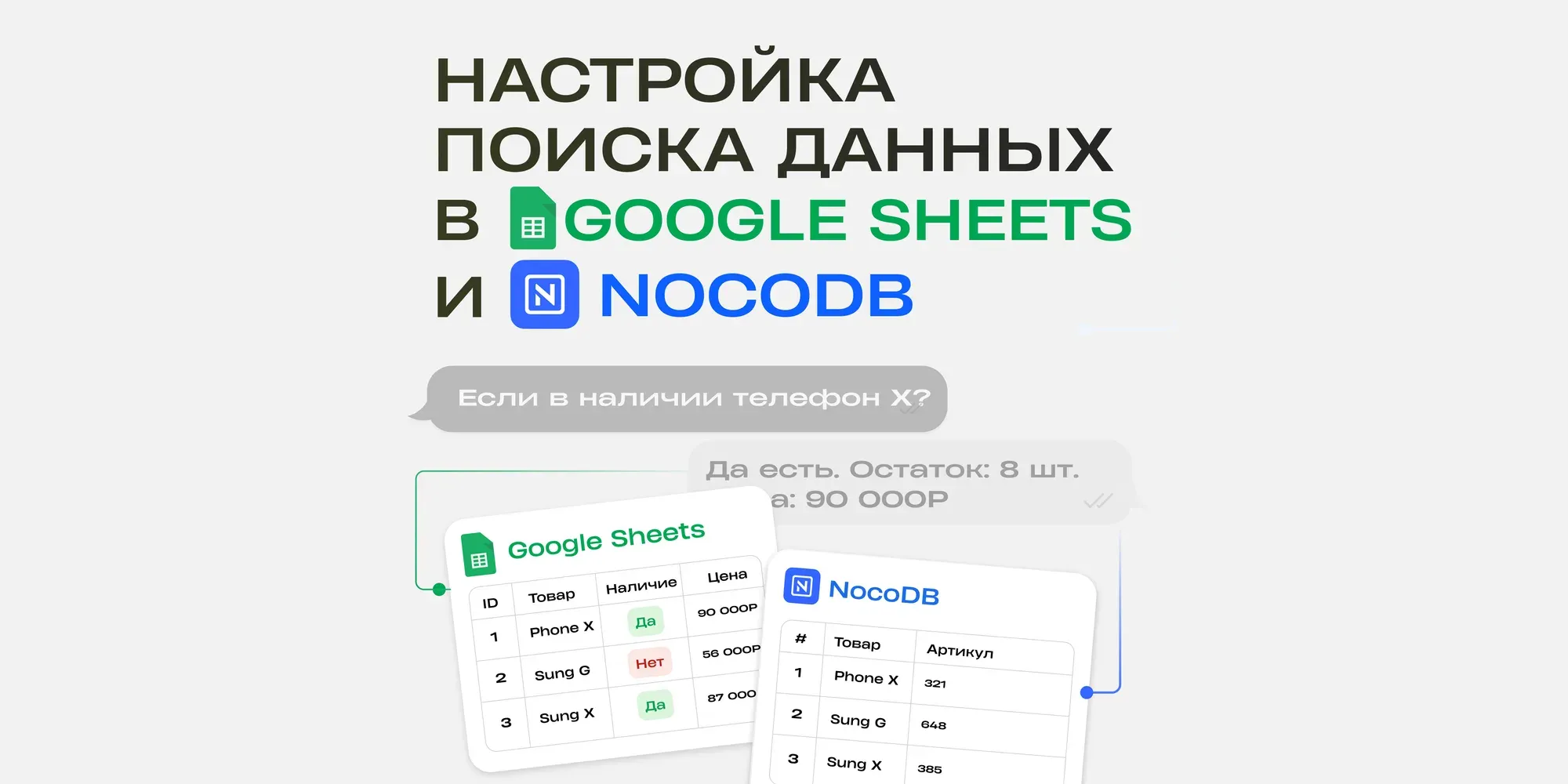
The possibility to connect a Google table filled the developer's life with bright colors - you can enter information into tables, receive generated data via a slider and masterfully work with formulas for the benefit of yourself and your clients.
And everything would be great, if not for one BUT. There are limits.
The bot processes only 60 requests per minute, but the number of people who want to make a request can be much higher
And that's when difficulties arise. For example, processing failed due to a large number of requests, a new line was not created, the subscriber was not entered into the knowledge base. Consequently, the bot will simply not process all further actions in the table.
How to solve this problem? Increase the limits. Maximum your project can process 180 requests. That's why you need to connect 2 more accounts. As a result, you will have 3 connected accounts.
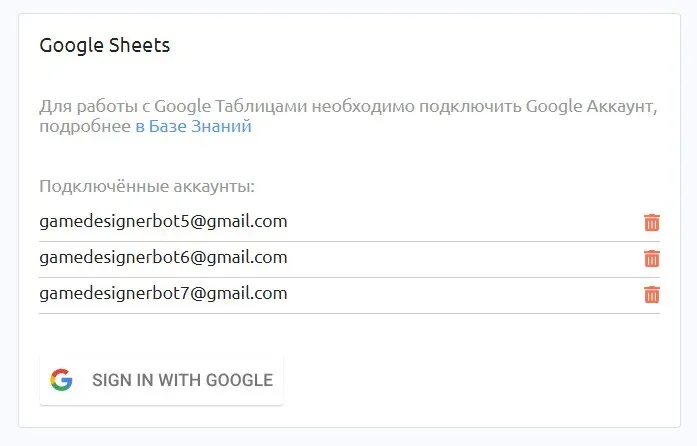
❗️ IMPORTANT: It is necessary to give access to the tables where there is an increased load. To do this, create an editable link and open it while in each of the accounts.
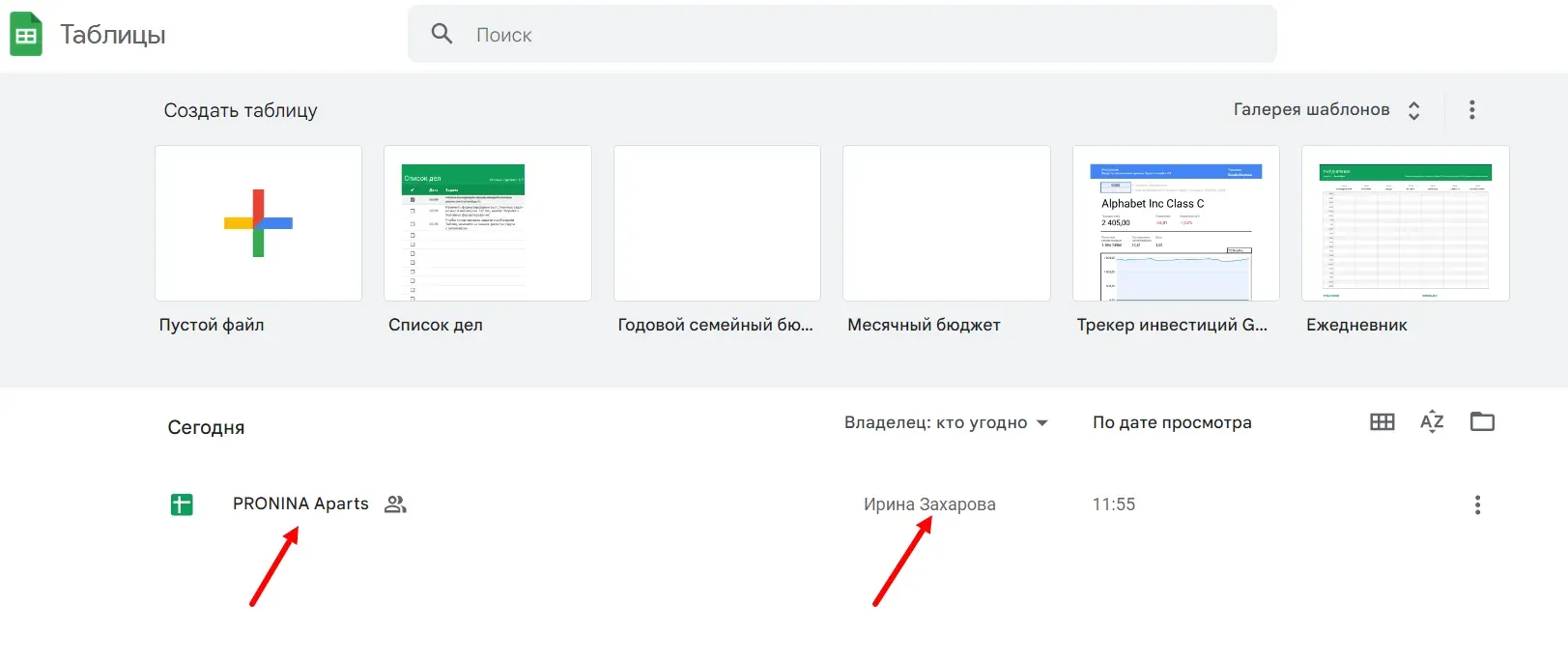
The screenshot shows one of the accounts that just has access to the table, but is not its author. Each of their additional accounts should be given such access to the tables they plan to load on
You can do everything yourself if the customer is not "friendly" with tables. But it's better to have him be the owner of the accounts himself. Send him this video to make it easier for him to understand. In the first 40 sec.
You can do everything yourself if the customer is not "friendly" with tables. But it's better to have him be the owner of the accounts himself. Send him this video to make it easier for him to understand. The first 40 seconds has instructions for connecting. Or record such a video yourself using our sample.
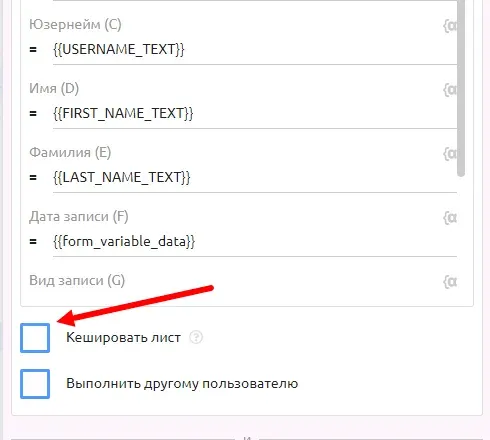
Another way - caching - can partially solve this issue. This function appeared not so long ago, but it is already positively used in practice.
How does it work? Let's look at an example.
You make a post for 200 users, which has an integrated variable that takes the value from google tables. Without using cache on the 61st user, the variable will no longer be able to get the value (if you have 1 table connected).
Caching saves all data from the table for a selected time (120 seconds maximum). And further data output is made not from google table, but from cache.
IMPORTANT: Caching works only for data output, not for data entry.
LET'S LOOK AT AN EXAMPLE
The bot sends up to 30 messages per second, but because of the different queues we will take a minimum value of 10 messages per second
Let's say we need to send a post to 10,000 users, the post is sent out with an integrated variable that should take the value from a cell in the table. The post will be sent out for 10,000 / 10 = 1,000 seconds
If you don't enable the cache function, PuzzleBot will access the table to retrieve the value each time it is sent out. Total 10,000 users = 10,000 queries. This method will cause an error almost immediately
If you enable the cache function and set the value to 1 second, then the bot will take information from the cache instead of the table during this time. And for 1 second it will manage to process about 10 queries. Thus, with a cache of 1 second, the bot will need 1000 queries
But you are already guaranteed to fit into the limit of 60 requests per minute. And all your data will definitely be processed correctly.
If you write a 100 second cache, Puzzlebot will access the table to retrieve new data every 100 seconds, processing about 1000 queries from the cache, not the table. So to send 10,000 queries, it will access the table 10 times
So the larger the cache, the fewer queries to the table that you may need in other commands
Databases can and should be worked with. These few simple steps will help you reduce time and automate your bot's work as much as possible.
If you still have questions, post them in the comments