Custodex is a service for accepting cryptocurrency payments: it supports several dozen popular assets (USDT, BTC, ETH and other coins and stablecoins), charges just a 1% fee and can convert to USDT
Below is a guide to setting up cryptocurrency payments
Written by Antony Pavlov, developer of Telegram bots and mini apps
Step 1: Sign up
Follow the link https://pay.custodex.sv/register and sign up.
When signing up, provide an up-to-date Telegram contact: you'll be contacted there to activate your account.
Step 2: Enable two-factor authentication
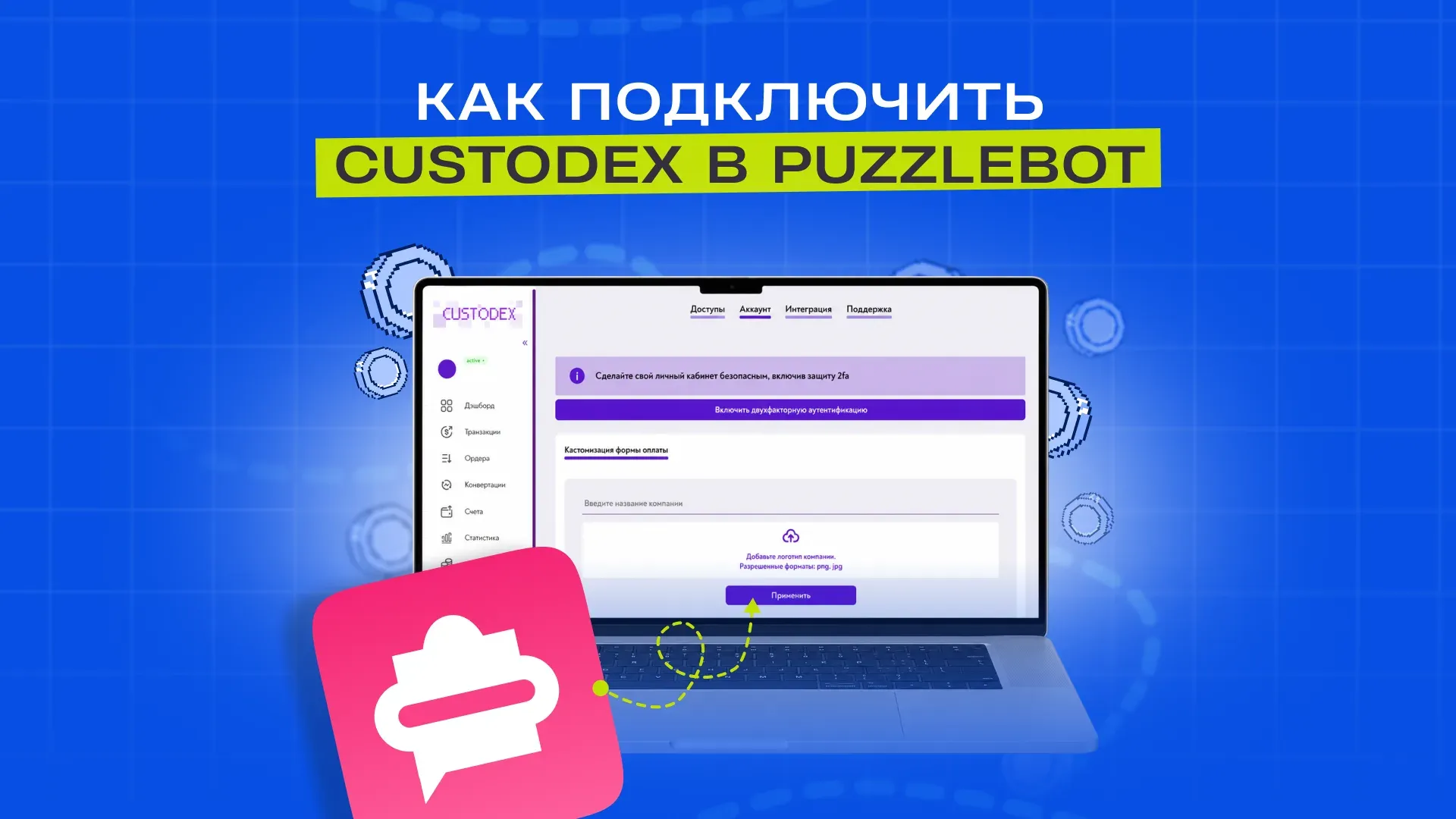
In your account, open Settings — Account and click Enable two-factor authentication. Follow the instructions: you'll need an authenticator app (for example, Google Authenticator).
This step is required: without 2FA enabled, you won't be able to create an account in Step 4.

Step 3: Get the integration keys
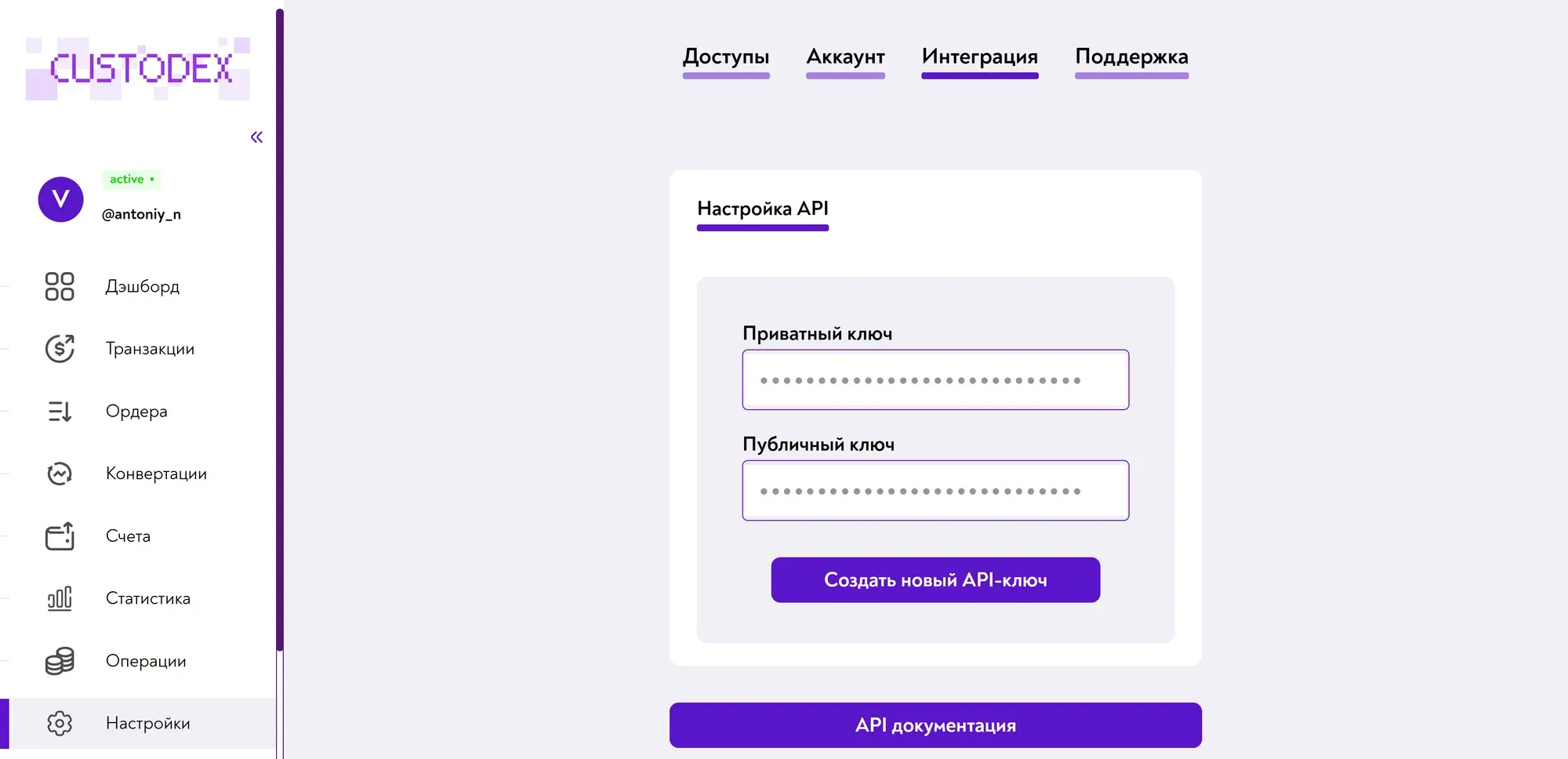
Go to Settings — Integration and copy the Private key and Public key.
Important! The private key is like a password: never share or publish it.
Step 4: Create a Merchant ID
In your account, open the Accounts section.

Click Create account. In the window that opens, enter an account name (any name, for your convenience) and the 2FA code from your authenticator app.

Click Apply: the account will appear in the list together with its Merchant UUID.
Step 5: Set up puzzlebot
In the bottom menu, open Bot settings, go to Payment systems and click Add. Select Custodex from the list.
In the fields that appear, paste the values you got earlier (Public Key, Secret Key and Merchant UUID) and click Save changes.

Step 6: Test it
Create a payment button in the bot for 2–5 dollars and make a test payment. Make sure the command you set as the action after a successful payment runs. If the command runs, the integration is set up correctly