This update adds a power-saving mode, optimizes Telegram's performance on less powerful Android devices, adds flexible speed settings for media playback and voice messaging - and much more.
Power saving mode
Telegram's bright animations and unobtrusive visuals were originally optimized to make the app run quickly and smoothly. However, users now have the ability to turn them off in the settings to save battery power and improve performance on less powerful devices.
Power Saving Mode can be set to turn on automatically when the battery level drops to a value you specify. You can also individually turn certain effects on or off.
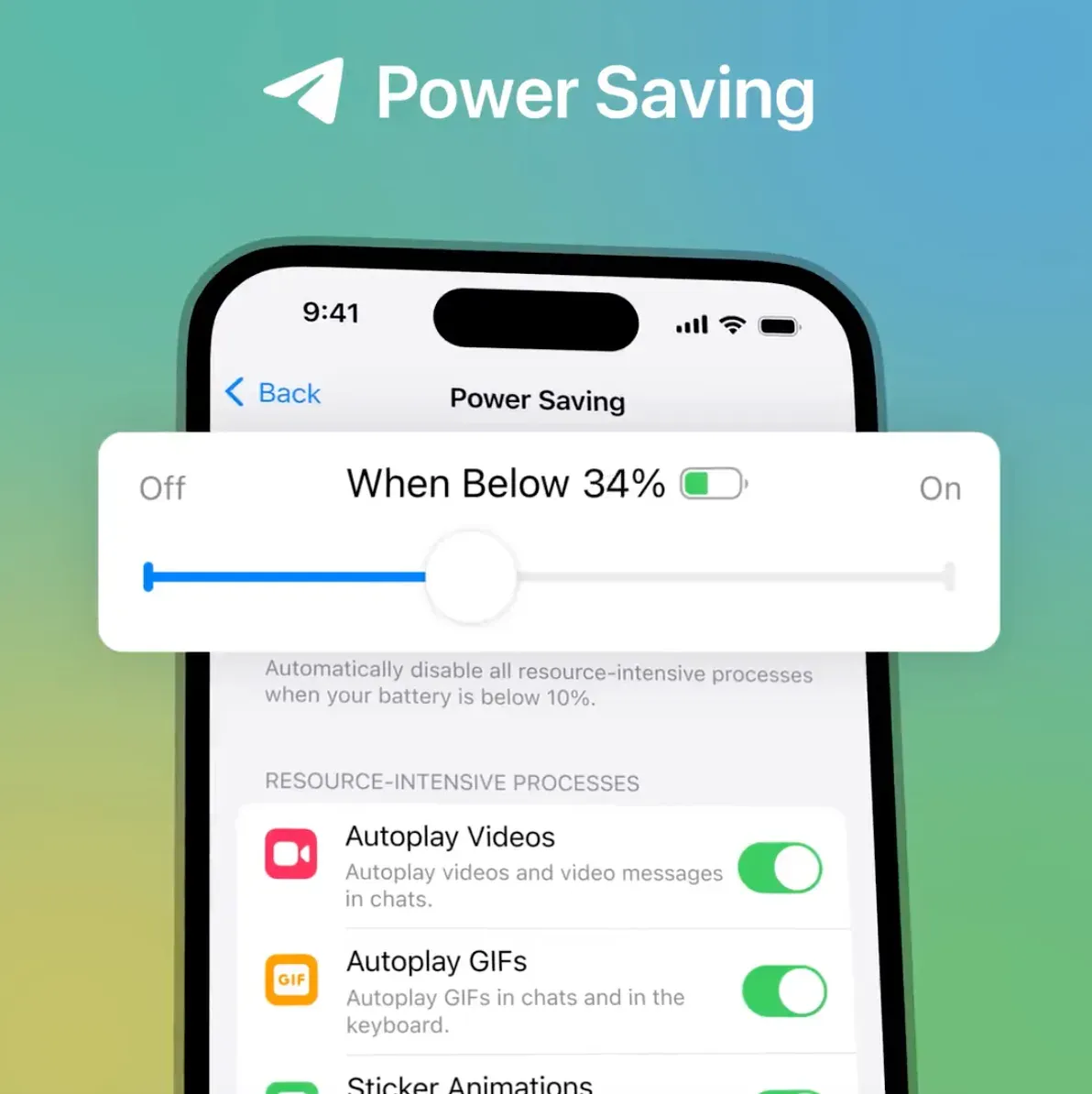
In the power-saving settings of the iOS app, you can also disable chat updates in the background - but the Telegram team does not recommend doing this, as in this case the "Update..." message will appear on the screen much more often.
We have picked the best default settings for the Android app by manually testing Telegram on over 200 different devices to make sure the messenger works best on any device.
You can switch to the power saving mode or separately disable autoplay, animations, or effects in the Settings > Power Saving menu.
Adjusting playback speed
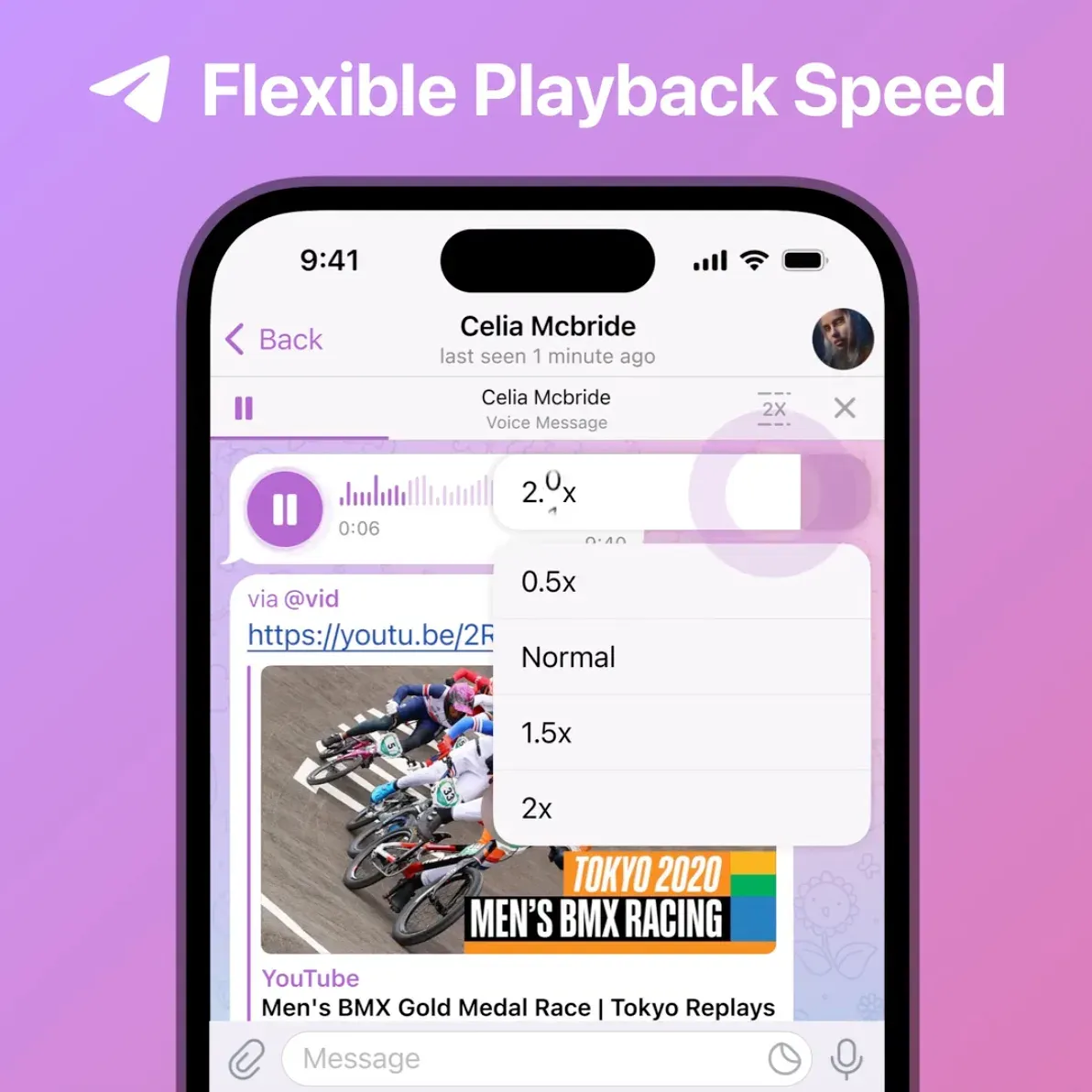
A few years ago, Telegram users had the opportunity to speed up or slow down the playback of videos, podcasts, and voice and video messages. Now they can run them at any speed from 0.2x to 2.5x - just press the button and select the desired value.
Message read times in small groups
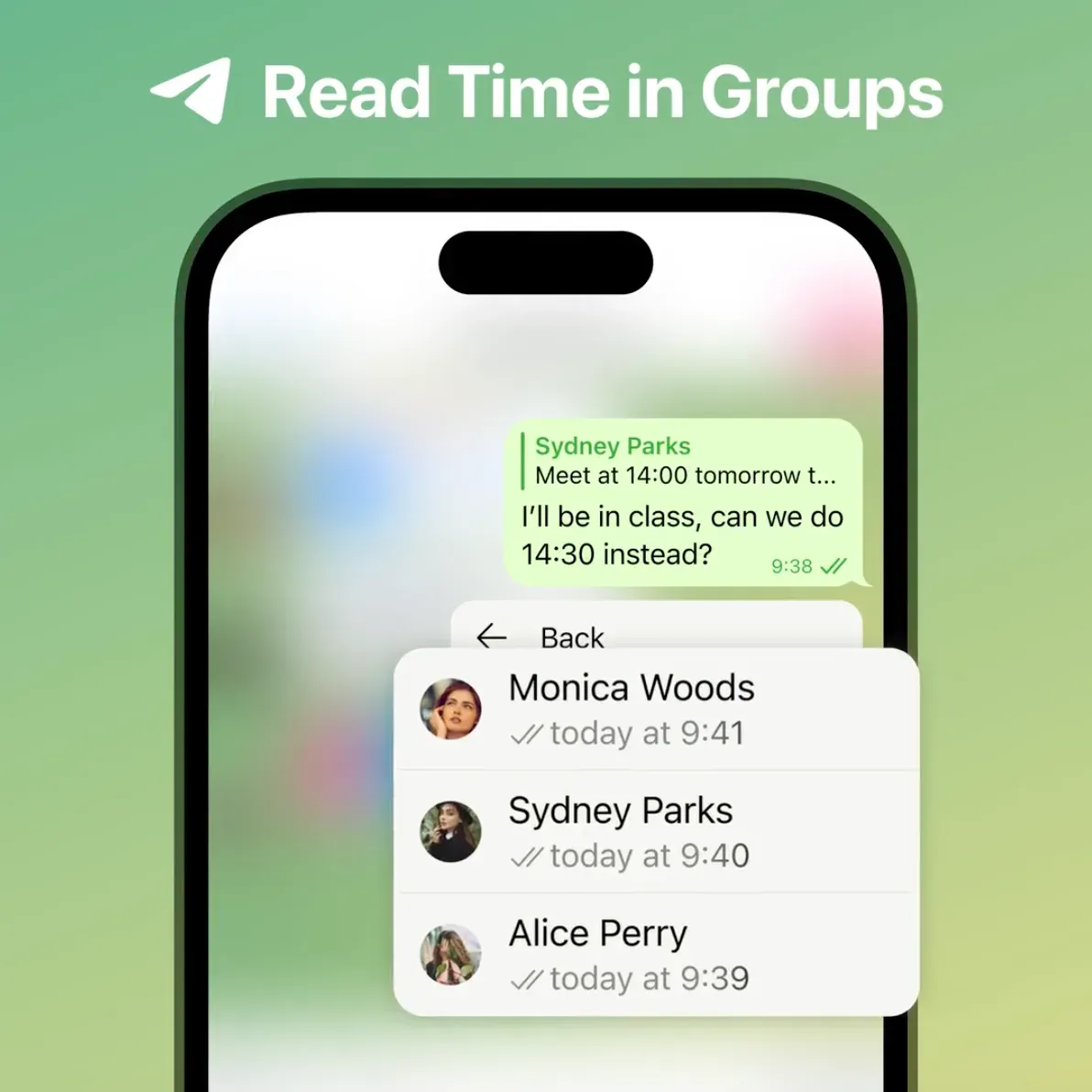
To make it easier for small teams to coordinate work, groups of up to 100 people can now see when messages have been read by each participant.
Send invitation links automatically
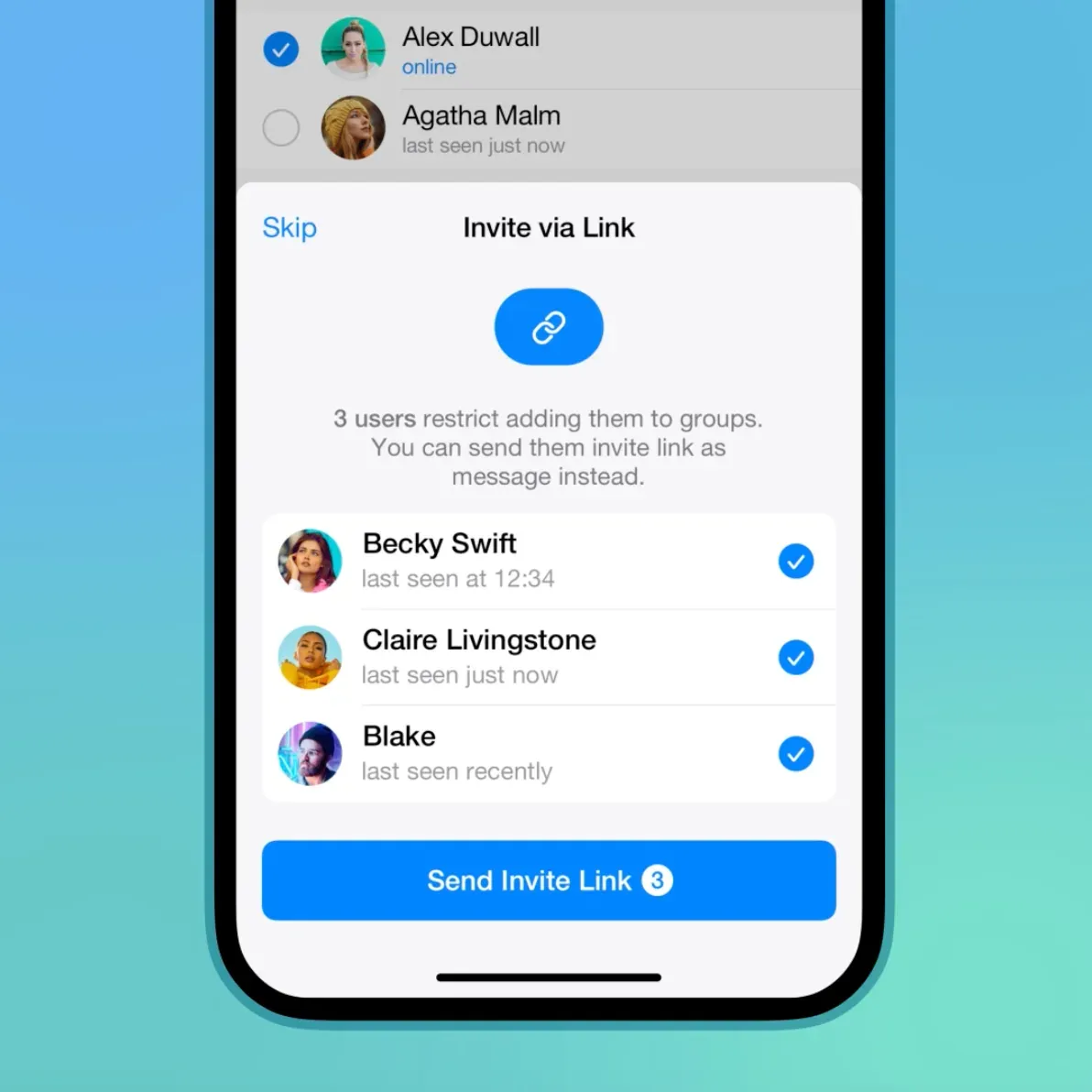
Telegram users can choose who is allowed to add them to groups. If it turns out when you try to invite a user that they are not allowed to do so, you will be able to send them a message with an invitation link right away.
In chats, a preview is now available for invitation links - you'll see immediately where they lead.
To select who can add you directly to groups, just go to Settings > Privacy > Groups and Channels.
Sorting sticker sets by time of use
Since the previous update, recently used sets are automatically moved up in the sticker bar. If you don't want the order of the sets to change, you can disable the "Recent First" option in the menu.
Translation of bot descriptions
Developers can now fully localize their bots: Telegram now allows you to translate description and "What can this bot do?" section into different languages.
Improved folder support in the iOS app
iOS owners can now mark all chats in a folder as read with a single tap -- and use folders to quickly find their chat conversations when forwarding messages. In the Android app, these features will appear in a future update.
New animated emoji
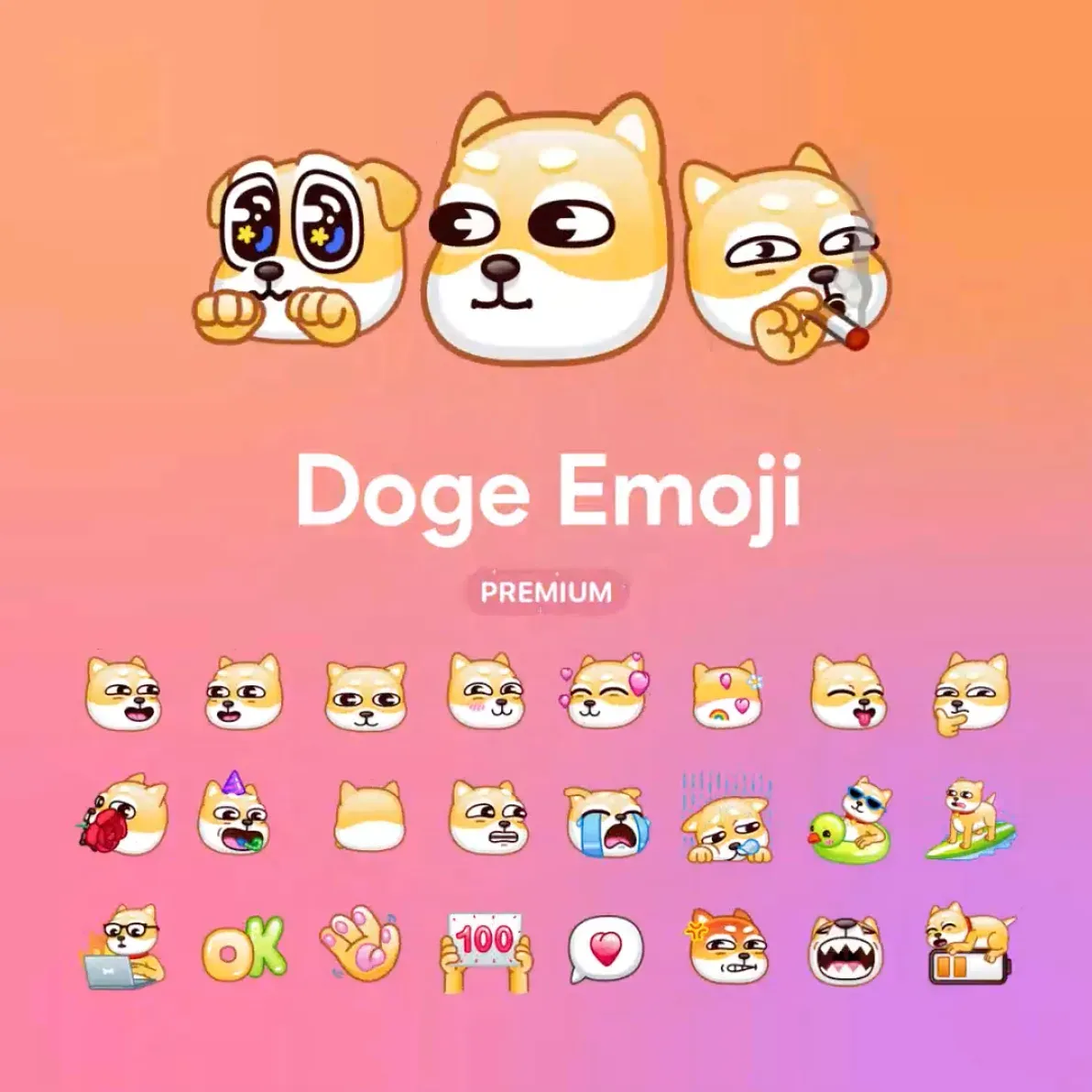
Telegram Premium subscribers traditionally receive ten new sets of animated emoji.
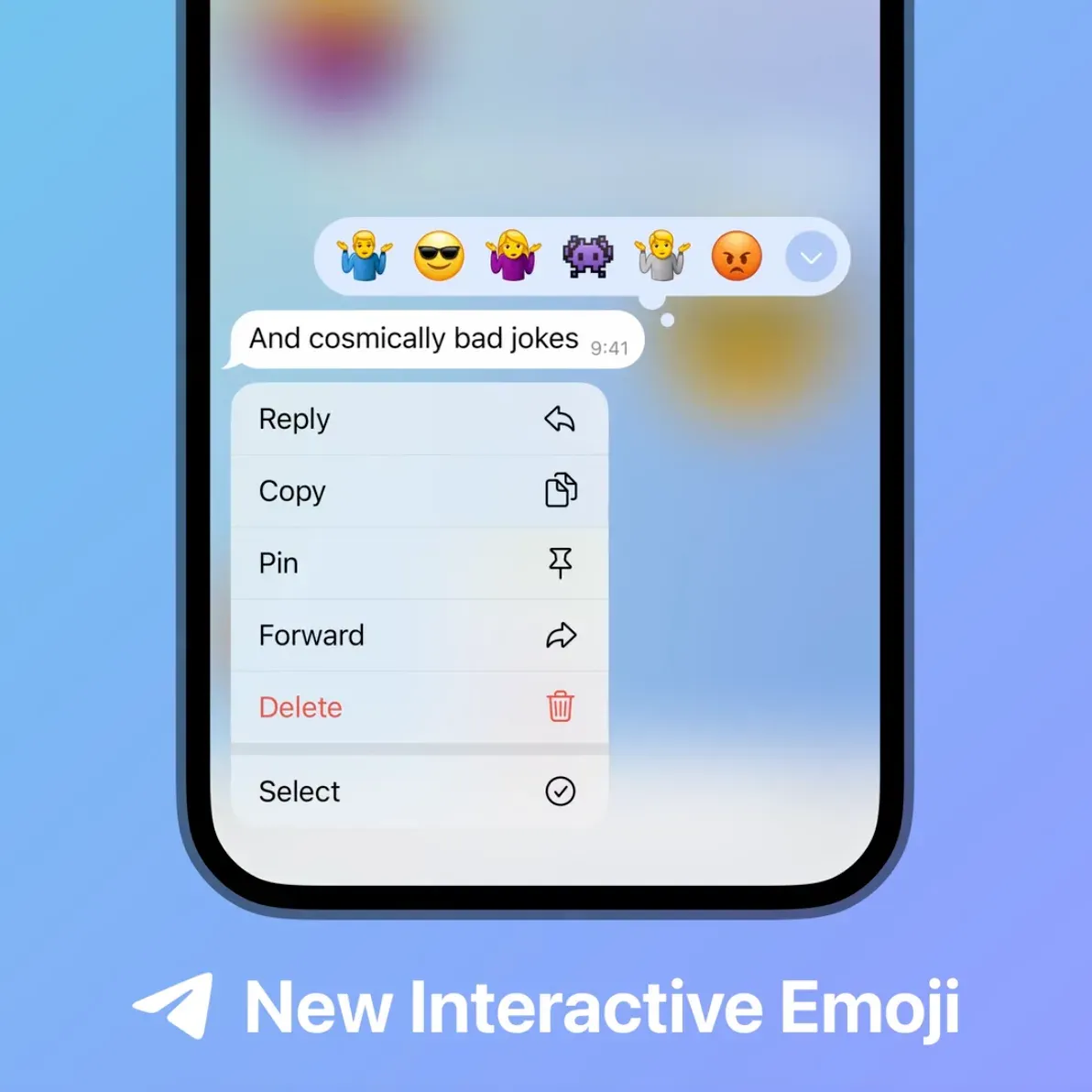
New interactive emoji and reactions
Telegram artists have prepared new interactive versions of 👾😡😎 emoji 🤷♀️🤷🤷♂️. If you send such an emoji to a private chat in a separate message and then click on it, you will see a full-screen animation simultaneously with your interlocutor. These emoji are also available to all users as reactions.