My name is Alexander, I am one of the founders of the PuzzleBot :// service, and on behalf of the whole team, I greet you - our new user!
In this article, we have collected everything you need to quickly get to know the platform.
Where to begin?
To get started, you need to complete only 3 steps:
Create a bot at@BotFather Read instructions → Add bot API key to PuzzleBot :// Read instructions → Make the best Telegram bot Turn on fantasy 🦄
After completing the steps above, you open the entire functionality of the service. Further actions directly depend on your goals and objectives, so let's briefly go through the capabilities of each tab:
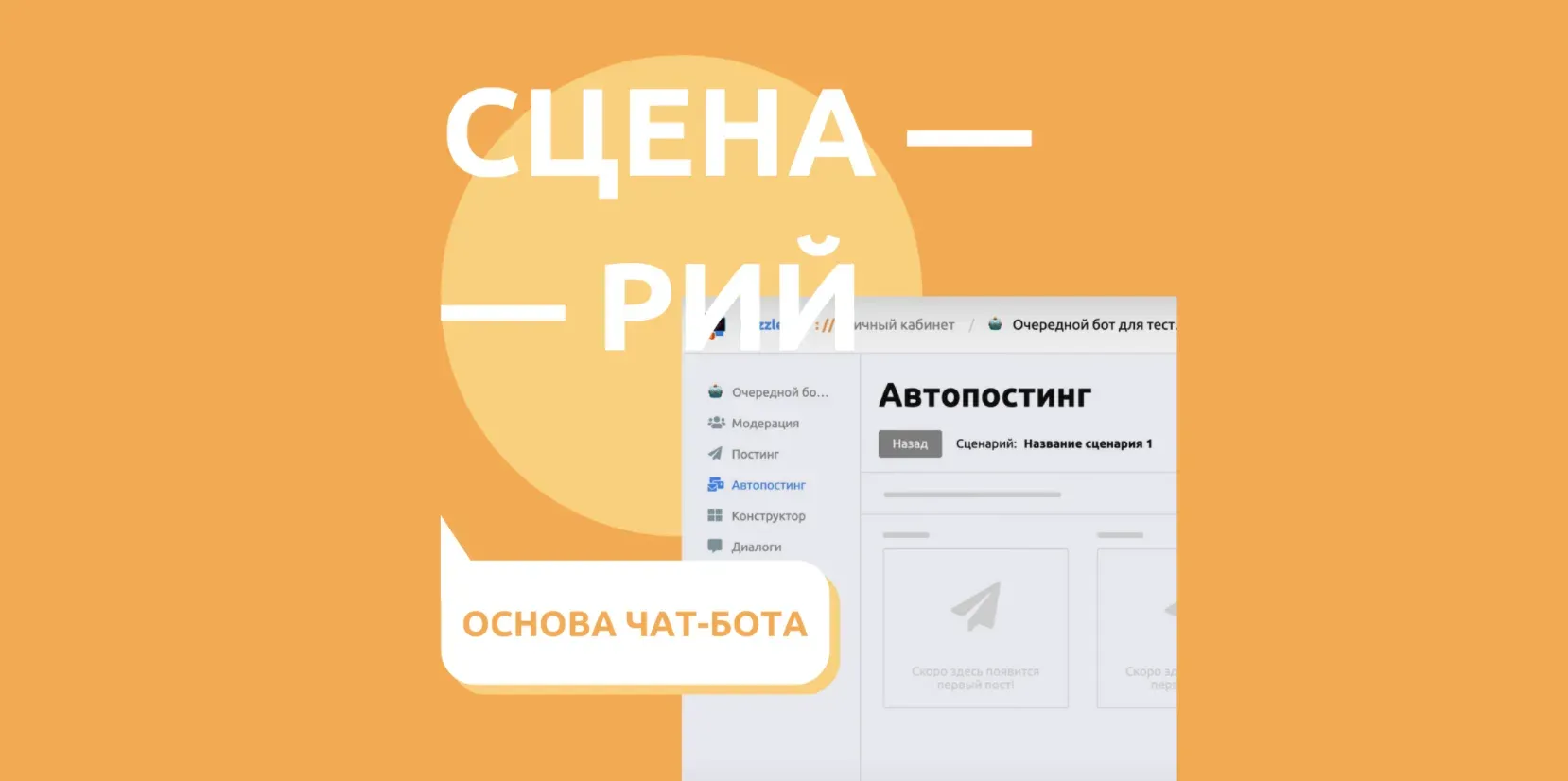
Moderation Tab overview → Working with bot users and resource subscribers, creating categories with different rights Posting Tab overview → Sending messages to the bot and to all resources connected to it at a specified time> Scenarios Tab overview → A series of posts sent to the bot user based on the date and time the scenarios was launched Constructor Tab overview → The heart of a chat bot is commands, blocks and keyboards, without which a bot is not a bot Shop Tab overview → Module for adding products, shop command group and cart block Dialogues Tab overview → Communicating with users through the bot, as well as viewing all user actions in the bot Events Tab overview → Creating reactions to system events in the bot and in connected groups Entrance Tab overview → Analogue of UTM links with the ability to limit them by time and date Triggers Tab overview → A tab for groups that allows you to configure the sending of commands and other reactions in the resource
I have a question!
There is no progress without questions, but waiting for a response from Support slows down the effectiveness of work on the bot, so we pay great attention to tools that allow us to independently explore the platform:
Support Chat t.me/lovepuzzlebot A group where experienced users answer newbie questions How to create a Telegram bot? How to address by name? How do I add a keyboard? Knowledge base help.puzzlebot.top A resource with information on the operation of each service tab and other articles on the topic of bots How can I change the bot's picture? How to connect a chat or channel?
Design tab overview YouTube канал youtube.com/@IAmPuzzleBot Место с обилием кейсов и разборов функций Создаём бота для приема заявок Доступ к боту после подписки на чат или канал Создаём приветствие и триггеры в Telegram чате Каналы пользователей youtube.com Мы поддерживаем пользователей, которые стремятся помогать другим Геймофикация в ботах Telegram Обзор конструктора PuzzleBot
If the answer to the question has not been found, this is a good reason to turn to live support:
Support t.me/helpmepuzzlebot The average response time — 15 minutes E-mail support@puzzlebot.top The average response time — 1 work day
Where can I get news?
All news, including: updates, contests, cases, technical work — we write in the Telegram channel, VKontakte Group, Instagram, Twitter and Facebook. Additionally, we have created the Update Diary channel, in which we publish minor changes to the service.